SUMMER’26 – DEFAULT TRANSACTION POLICY ON REPORT EXPORTS

Following my previous article dealing with MFA enforcements (and stricter « Phishing-Resistant » MFA for System Admin users, or users with powerful administrative permissions), Salesforce also recently communicated on changes on Transaction Security Policies, that will be released after Salesforce’s Summer’26 release.

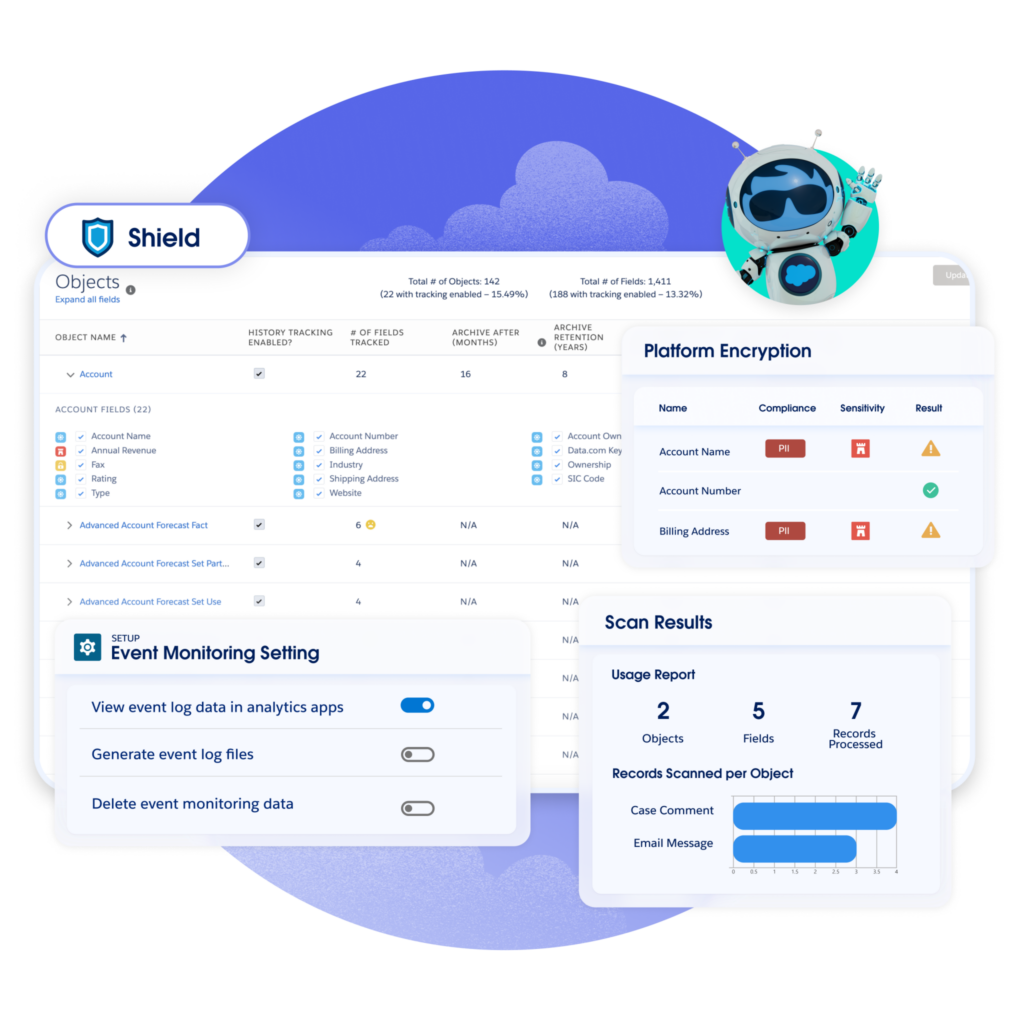
As you know, large report exports may be easily exploited for data theft or leaks (from out of the company, or by someone stealing data before leaving). With Salesforce’s Event Monitoring (Shield) and some robust Transaction Security Policies, Salesforce platform provides a proactive layer of defense to identify and block unauthorized data leak.

So what is the change for Summer’26 ?

STRICTER TSP MANAGEMENT REQUIREMENTS

Managing your critical Transaction Security Policies (TSP) will soon require a « double check » approach. Indeed, to be able to create, edit, or activate / deactivate TSP records, users would now need to be assigned both the following permissions :

  • The « traditional » Customize Application permission, used for instance customization.
  • With the upcoming Modify Transaction Security Policy permission.

Salesforce also mentions that if a user is trying to perform these actions through the Setup User Interface, Salesforce will prompt this user for an extra identity verification step, in order to ensure the changes are intentional and well realized by the logged-in user.

🔜▶️ As for now, please check your System Administrators, and all users granted with the Customize Application permission, and start identifying who should be assigned the new Modify Transaction Security Policy permission.

A NEW DEFAUT POLICY FOR LARGE REPORT EXPORTS

To prevent data leaks, due to badly configured instances, or Salesforce products not yet fully mastered by clients, Salesforce will also roll out a default Transaction Security Policy, dealing especially with report export use case.

  • This policy will concern any UI-based report export that exceeds 10 000 records.
  • In this case, Salesforce will automatically require an extra identity verification step before the export can continue.

🔜▶️ That will allow for all new orgs / updated orgs to have at least one default security policy. However, you will need to review, tweak or not, and activate this default Transaction Security Policy, so that it will match your data volume / sensitivity and criticality of your data.


To read more on the subject


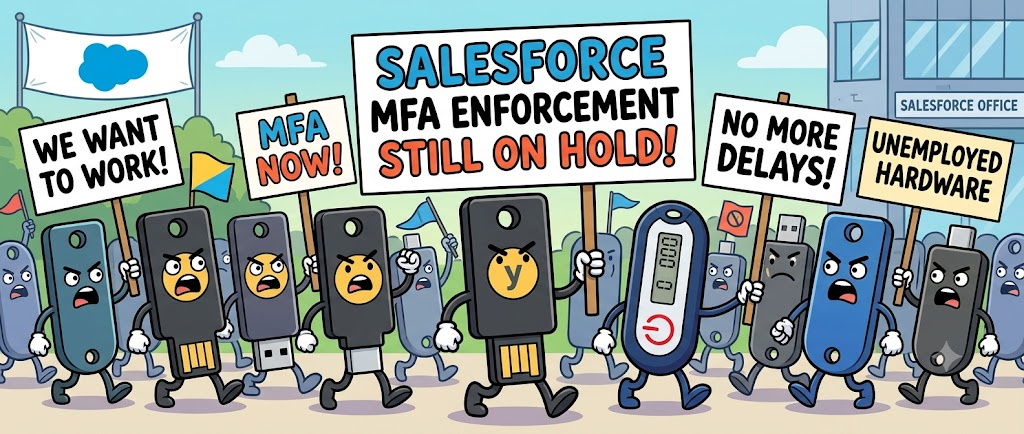
SUMMER’26 – MFA ENFORCEMENT AFTER SUMMER’26 RELEASE

Some important security changes will take place in Salesforce instances after Summer’26 version upgrade. You will find below a focus on MFA (Multi-Factor Authentication) topic.

This change will take place in Salesforce instances :

  • Sandbox : Starting as of June 22nd, 2026
  • Production : Starting as of July 20th, 2026

MFA Enforcement for all users

First, MFA will now be enforced for all users. This security change will affect all users logging into Salesforce (via direct UI and SSO logins) both in Production and sandboxes.

  • Standard users, already using MFA, will keep on logging with the same MFA experience, and confirming their login in the same Authenticator mobile application that they already use.
  • Users logging through SSO, holding a MFA capacity, will keep the same login experience.

However, as MFA will be definitively enforced, System Admin will not be allowed anymore to deactivate MFA, from setup, for certain users. This option will be grayed out in setup.

Resistant MFA Activation for all users

Then, the big news come from a second type of MFA, that will be enforced, for powerful users, in a stricter way after Summer’26 Release.

This more secure « Phishing-resistant MFA » method will concern every « System Admin »-like users, i.e. System Administrator themselves, and users granted with one of the following permissions : Modify All DataView All DataCustomize Application, or Author Apex.

These powerful users will need to use one of the secure methods to confirm their login :

  • Security Keys (WebAuthn / FIDO2), like Yubico’s YubiKey, or Google’s Titan Security Key
  • Built-in Authenticators, like Touch ID, FaceID, or Windows Hello.


To correctly handle this change, and avoid service interruption for your users, please follow some practical rules :

  • Monitor all users, through setup or login history information, and identify those who do not login through MFA.
  • Inform and encourage all concerned users to properly register their MFA configuration, before the security changes are deployed.
  • Anticipate the Security Key test / purchase process before Summer vacation. Test and support your Admin-like users with this specific change.
  • In case of SSO / MFA configurations / login flow changes, please test all your configurations first in sandbox, before doing it in Production.


To read more on the subject


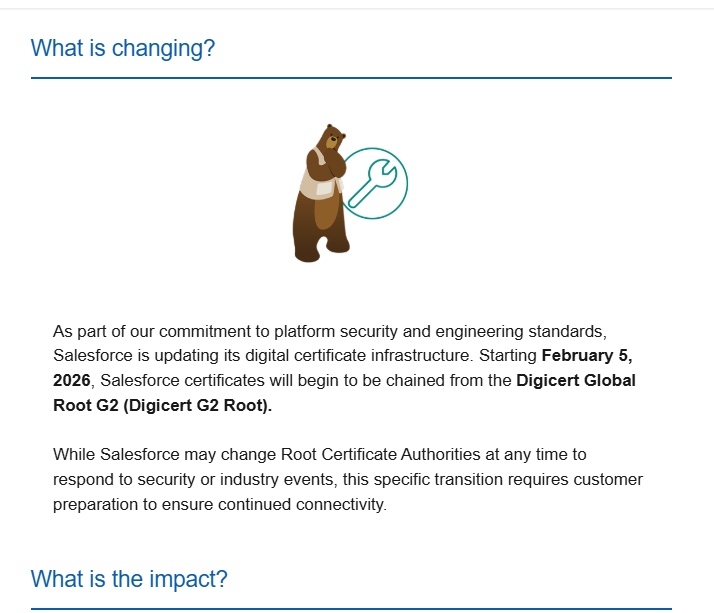
SALESFORCE #TIPS – Root Certification change from Digicert G1 to G2

You have probably received a Salesforce notification about Digicert Root Certification change (from Digicert G1 to Digicert G2) on Salesforce side. Don’t throw this email !

Salesforce is about to impact its security certification structure, meaning that you will not be able to connect / interact with your Salesforce instance anymore, if your system or data integration chain is not prepared for this change.

Salesforce notification on the certificate change

Who is impacted by this change ?

You may be impacted, by the certificate change, in the following cases :

  • you use Salesforce through an outdated computer and web browser, or through a custom app whose code is not properly managed or contains hard-coded connectivity information.
  • your Salesforce instance is connected to other servers (for data synchronisation)
  • your Salesforce instance is connected to middleware solutions or integration platforms (for data synchronisation)

If you are in this case, and do not audit your connections / applications before February 5th, your users may experiment connectivity issues when trying to logging to / reaching out your Salesforce instance.

If you have developed custom applications, or data synchronisation processes / flows, make sure that you have not hard-coded certificate-related information in your code, due to either a lack of best practices, or because you have implemented certificate pinning on « to-be-expired » certificate for security purpose.

Am I concerned if I am a Salesforce user ?

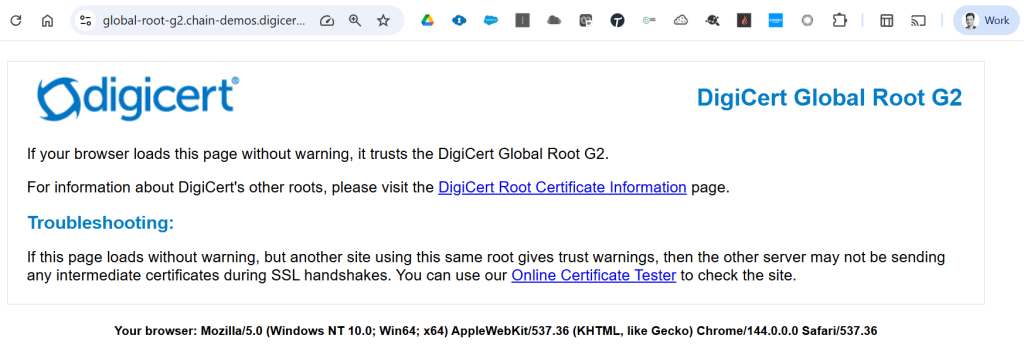
To be able to connect to Salesforce (User interface, or technical one), you must ensure that your server / custom application / web browser trusts the Digicert G2 Root Certification.

Most users accessing Salesforce, through their web browsers, are already up-to-date, if they regularly update their browser application, when requested to do so. Indeed, all recent and browsers already includes this certification in their trust store.

To test its presence on your browser, you can either :

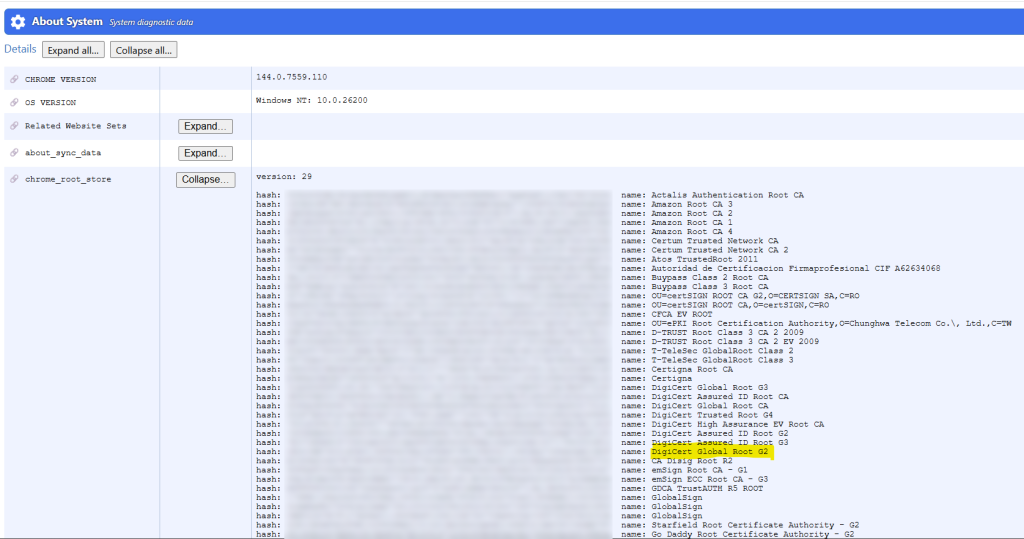
  • Or access directly your Chrome Root Store through your Chrome System page by navigating to : chrome://system. Click « Expand… » button on the chrome_root_store line :
Digicert G2 Root certificate – Access your Chrome trust store

You can also find the certificates handled by Chrome in the following document : https://chromium.googlesource.com/chromium/src/+/main/net/data/ssl/chrome_root_store/root_store.md

As you can see in the screenshots above, both G1 and G2 Root certifications are present in this Chrome trust store. Even G3 Root certification is present 🙂

Subject
CN=DigiCert Global Root CA,OU=www.digicert.com,O=DigiCert Inc,C=US
CN=DigiCert Global Root G2,OU=www.digicert.com,O=DigiCert Inc,C=US
CN=DigiCert Global Root G3,OU=www.digicert.com,O=DigiCert Inc,C=US